Chrome Extension · IDME / PBD
TecerTools PBD
Fill in a whole class without clicking one by one.
Choose the Tahap Penguasaan (TP), review your choice, then fill in the IDME form through your own session. Use Quick without a tecertools account.
Quick is free and needs no account. The detailed flow uses a tecertools account for per-student records. The extension interface itself is in Malay.
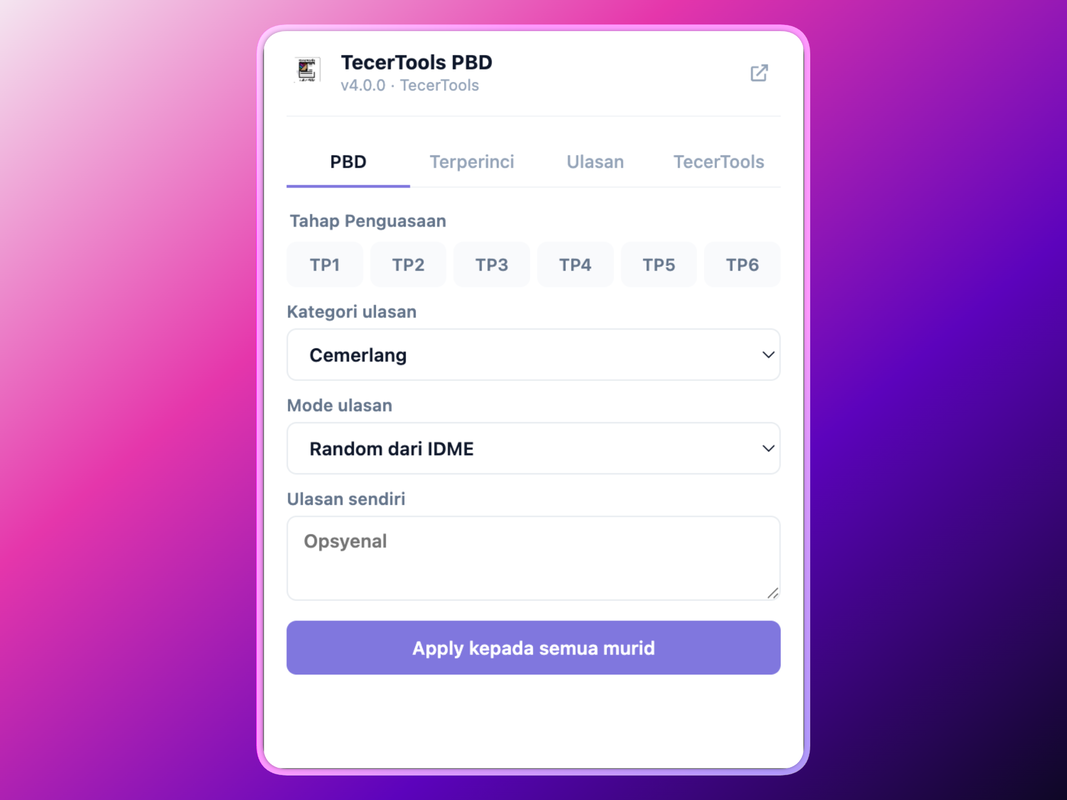
- Quick needs no account
- Review before filling
- Runs in your own IDME session
Three steps
Choose. Review. Fill.
The extension works on top of the official system page you already have open. Every step stays visible before any data is used.
01
Open the PBD page
Log in to IDME as usual and open the class you want to fill in. The extension detects the current working page.
02
Choose the TP
Use Quick for one TP across the whole class, or the detailed flow when each student needs a different value.
03
Confirm the fill
Review your choice in the extension before the values are entered on the IDME form through your own session.
Human review
Confirmation happens before any change.
The extension does not treat a bulk choice as final. You see the TP you picked and confirm it before the IDME form is filled in.
Product evidence
Quick when it is uniform. Detailed when it matters.
01
Quick
Choose one TP for the whole class with a clear confirmation step.
02
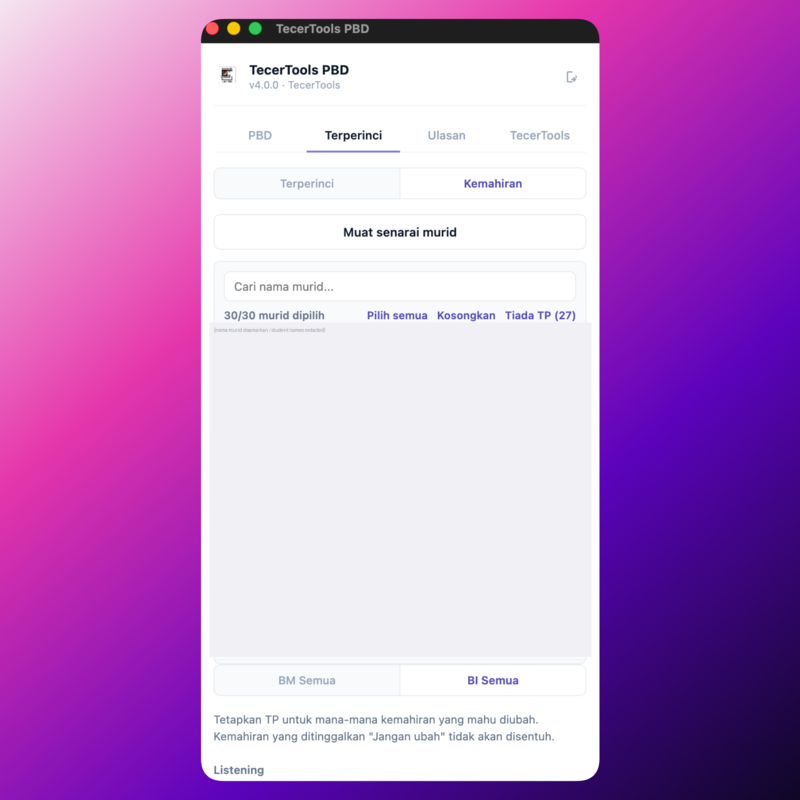
Detailed
Search for a name and set a different TP for each student.
03
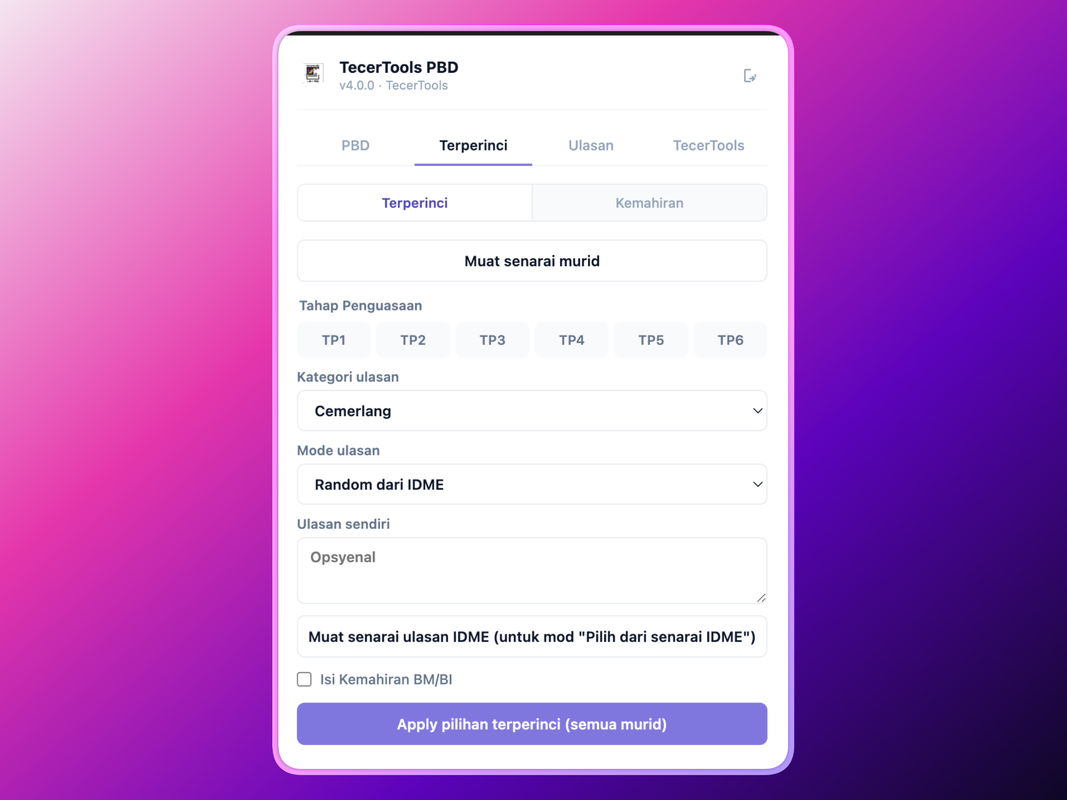
Class comments
Prepare bulk comments before confirming them on the IDME page.
04
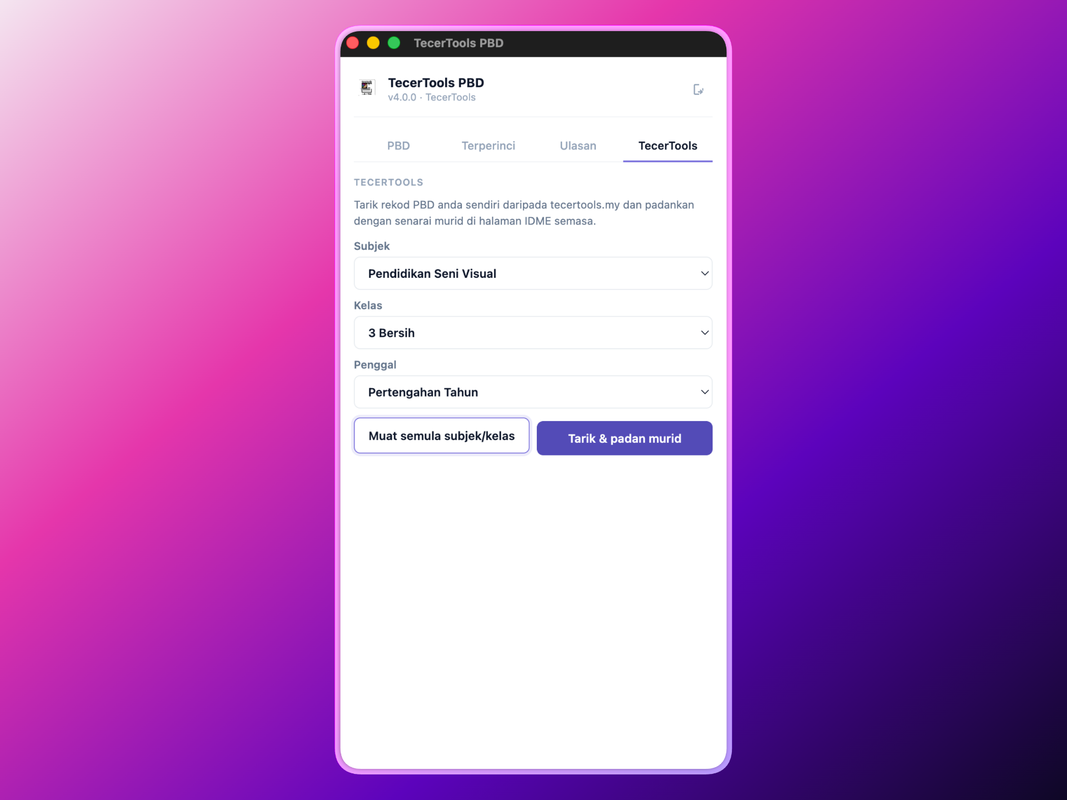
Pull from tecertools
Use the PBD records in your own account as an optional source.
Privacy & product status
Data is filled in through your IDME session.
For the Quick flow, the extension fills in the IDME page you have open and does not keep a separate copy of student records.
Read the privacy policyTecerTools PBD is a third-party tool. It is not an official product of KPM and is not affiliated with KPM, IDME or MOEIS.
Do I need a tecertools account?
Not for the Quick tab. An account is needed for Detailed, Skills, Class Comments and Pull from TecerTools.
Is this extension official KPM?
No. It is a third-party tool that speeds up entry on the existing IDME form.
Where does the student data I fill in go?
PBD data is filled in on the IDME page through your own IDME account session. The extension does not keep a separate copy for the Quick flow.
Ready to install